Configure your workspace
Your workspace is your whole organisation in Neura. Its settings — the organisation name, website, brand colour, and default language — apply to everyone on your team and appear in places like your chat widget. Use this page when you need to update your business details or branding across the product. You’ll need admin access.
Before you begin
- You are signed in as a workspace admin.
Steps
- Open Settings, then open the Workspace page.
- Review the current values in GENERAL, BRANDING, and LOCALIZATION.
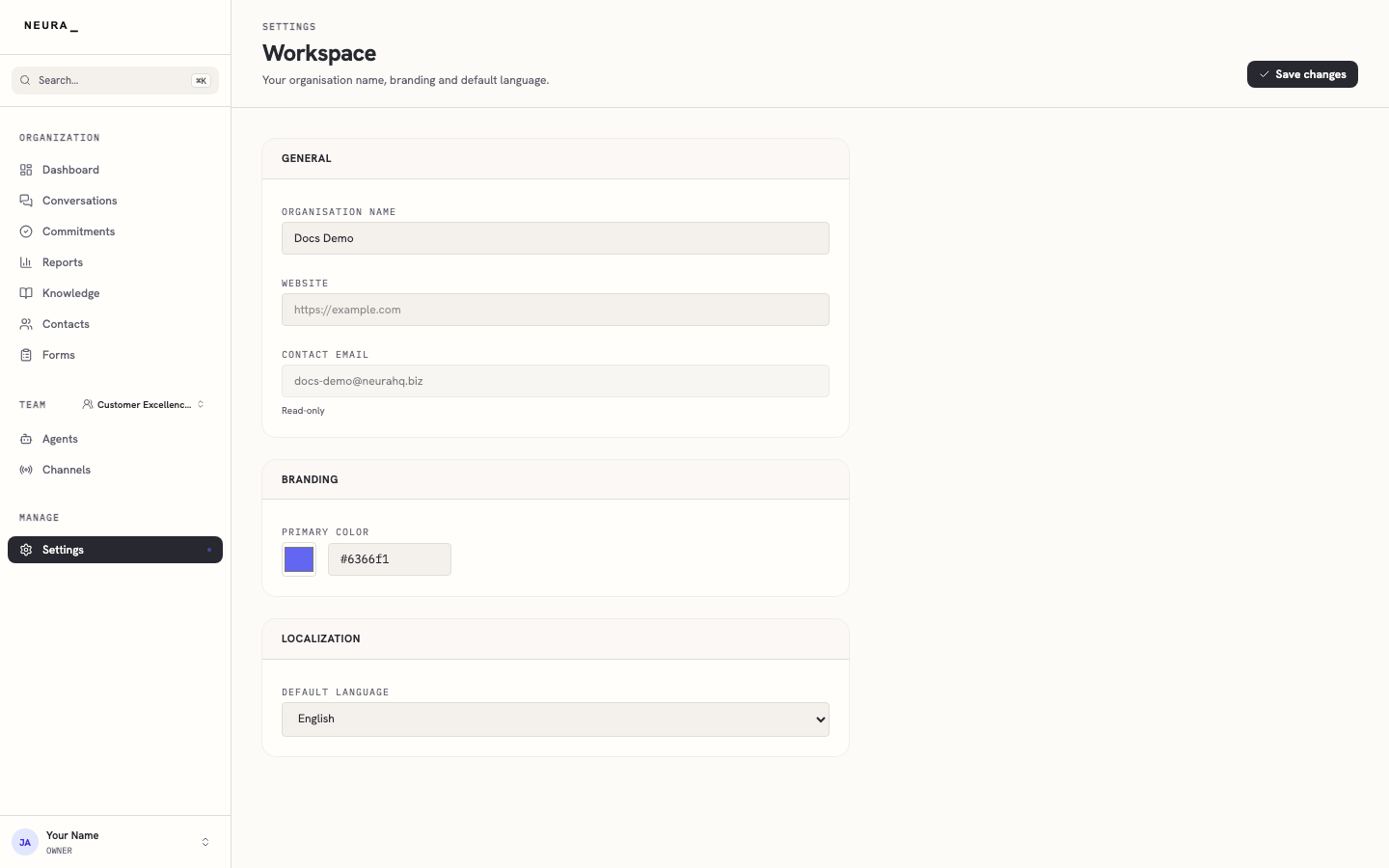
- Edit the ORGANISATION NAME field.
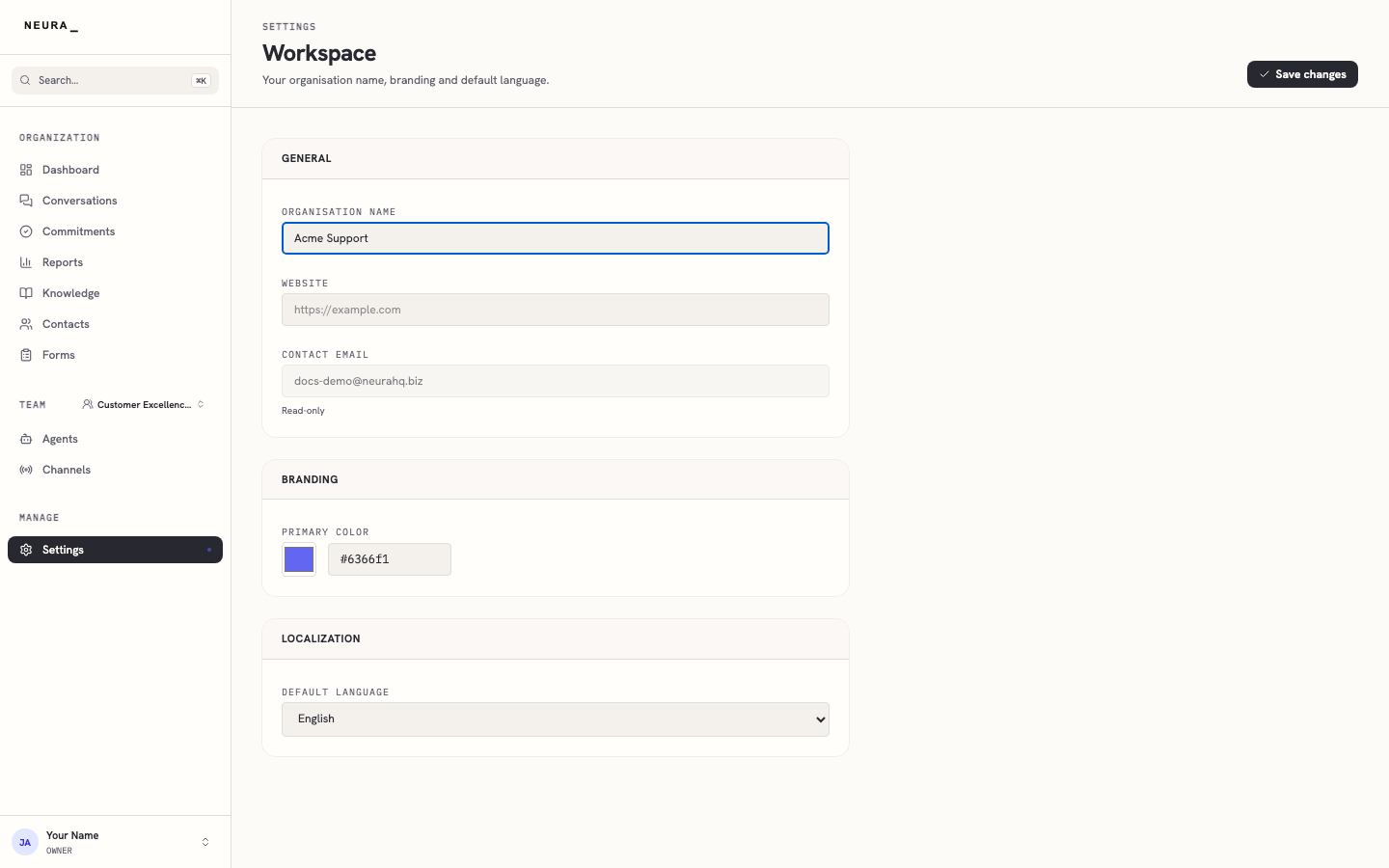
- Click Save changes.
- Confirm the page reloads with your updated workspace details.
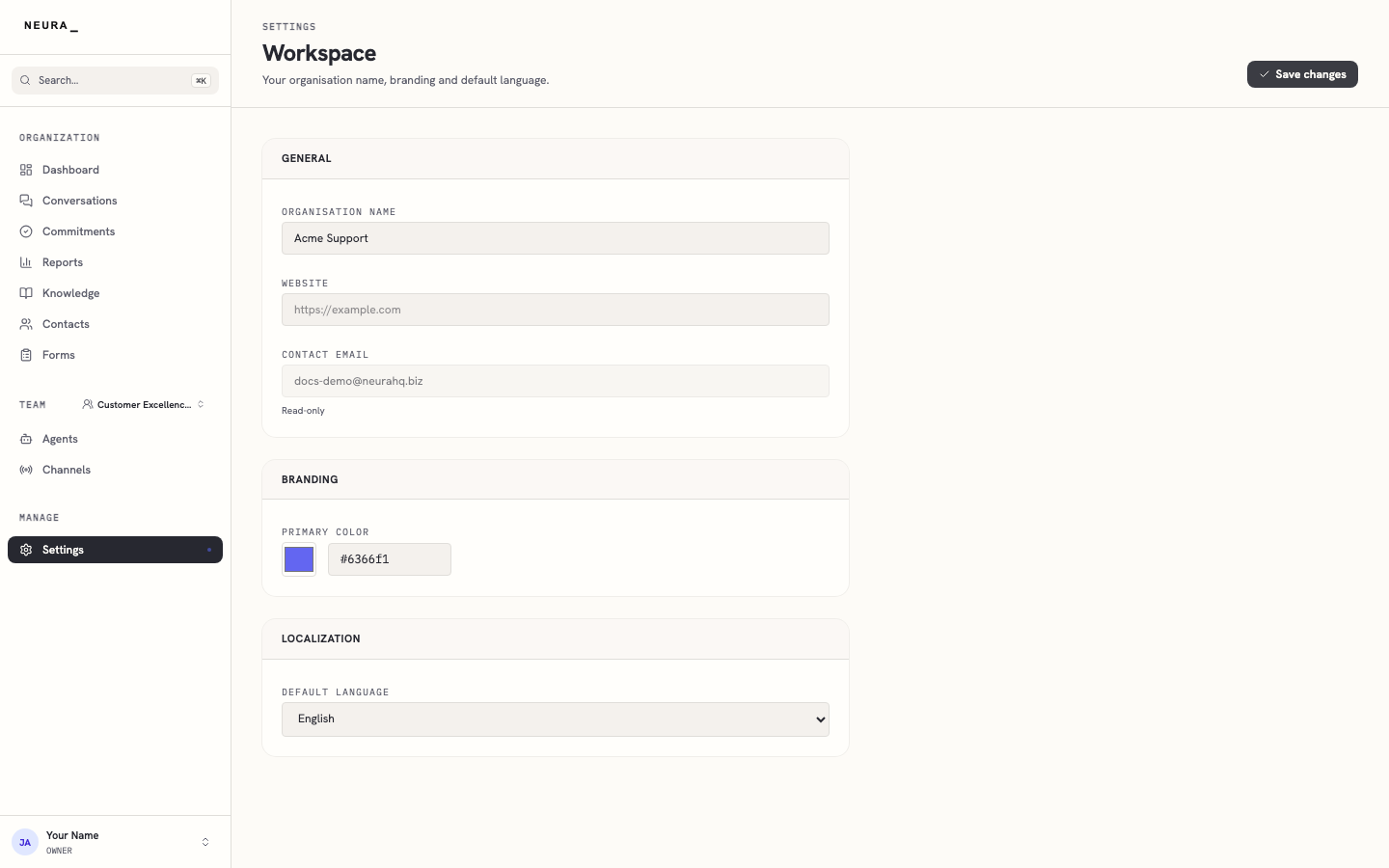
You’ll know it worked when
Your workspace name and other details are saved and used across the product, including in the chat widget your customers see.