Manage documents in a knowledge base
A knowledge base is a collection of documents your agents search to answer questions. Opening one lets you review every source it already contains and check whether each one has finished indexing. This is where you go when you want to confirm what your agent can use today or add more information from a file, a web page, or a full domain.
Before you begin
- You are signed in to Neura.
- At least one knowledge base exists. See Create a knowledge base.
Steps
- Open Knowledge from the sidebar.
- Wait for your knowledge bases to load.
- Open the knowledge base you want to manage.
- Review the documents listed in the SOURCES section and their indexing status.
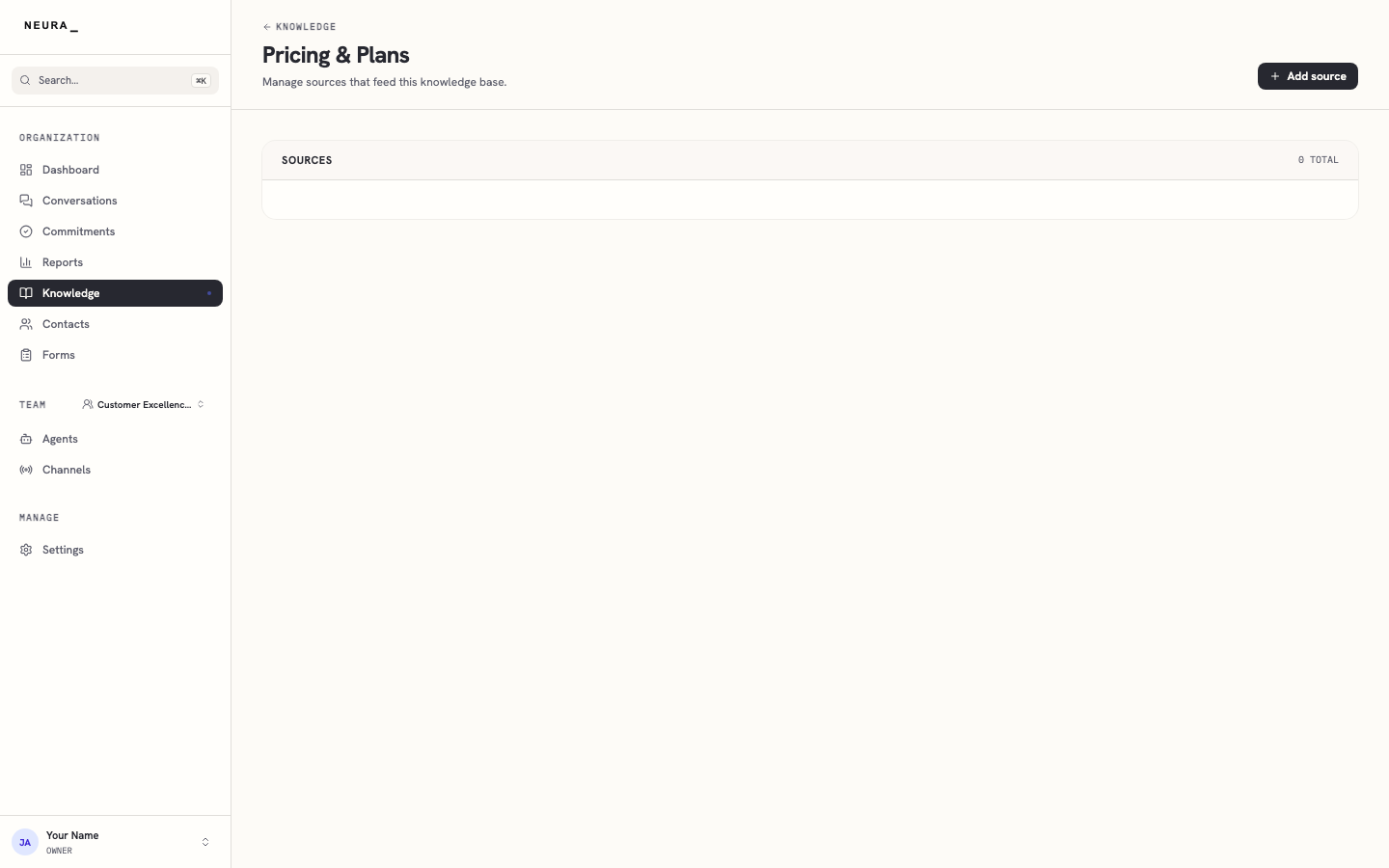
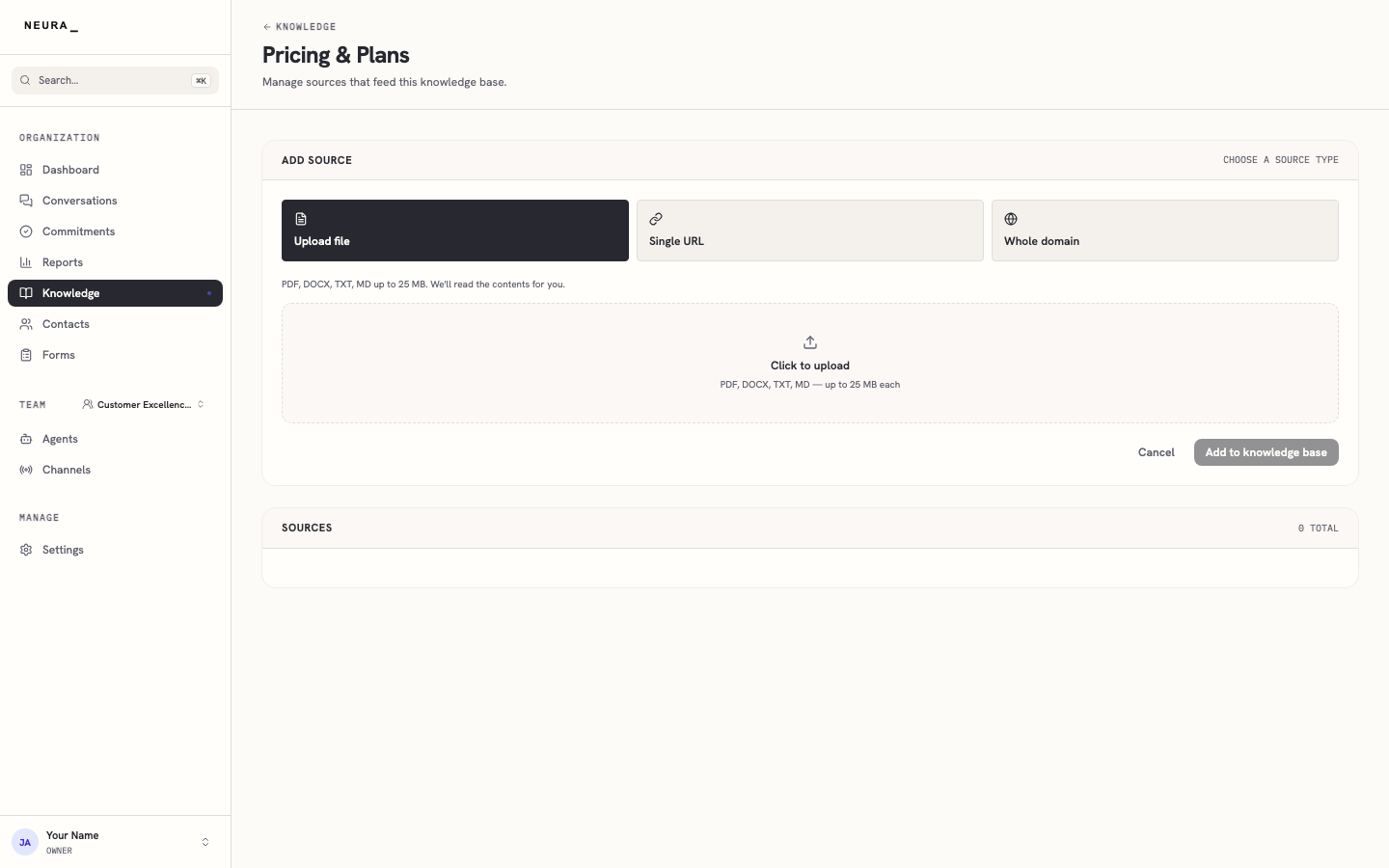
- Click Add source to open the panel where you can add a file, a single URL, or a whole domain.
You’ll know it worked when
You can see every source in the knowledge base with its indexing status, and open the panel to add a file, URL, or domain.