Set up human agents
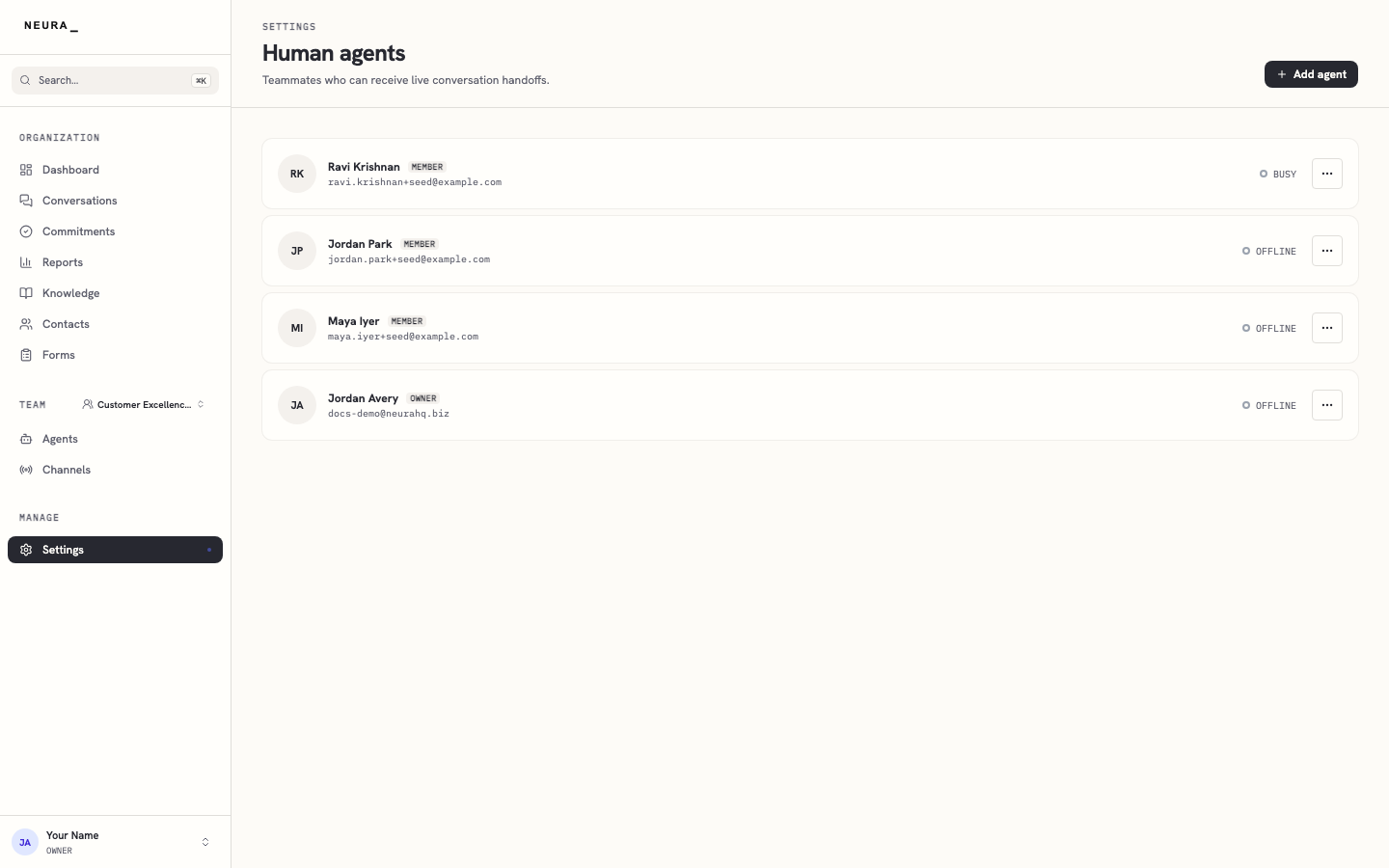
Human agents are the teammates who can step into a conversation when an AI agent hands it off or a customer asks for a person. This page is the roster: it shows each human agent’s name, role, and whether they’re currently available. Teammates become human agents when you invite them on the Members page; you set when they’re on shift under Live support routing.
Before you begin
- You are signed in as a workspace admin.
- You’ve invited teammates on the Members page (see Invite teammates and manage roles).
Steps
- Open Settings, then go to Human agents.
- Review the list of human agents to see each teammate’s name, role, and current availability.
You’ll know it worked when
You can see every teammate who can receive handoffs, along with their role and live availability.