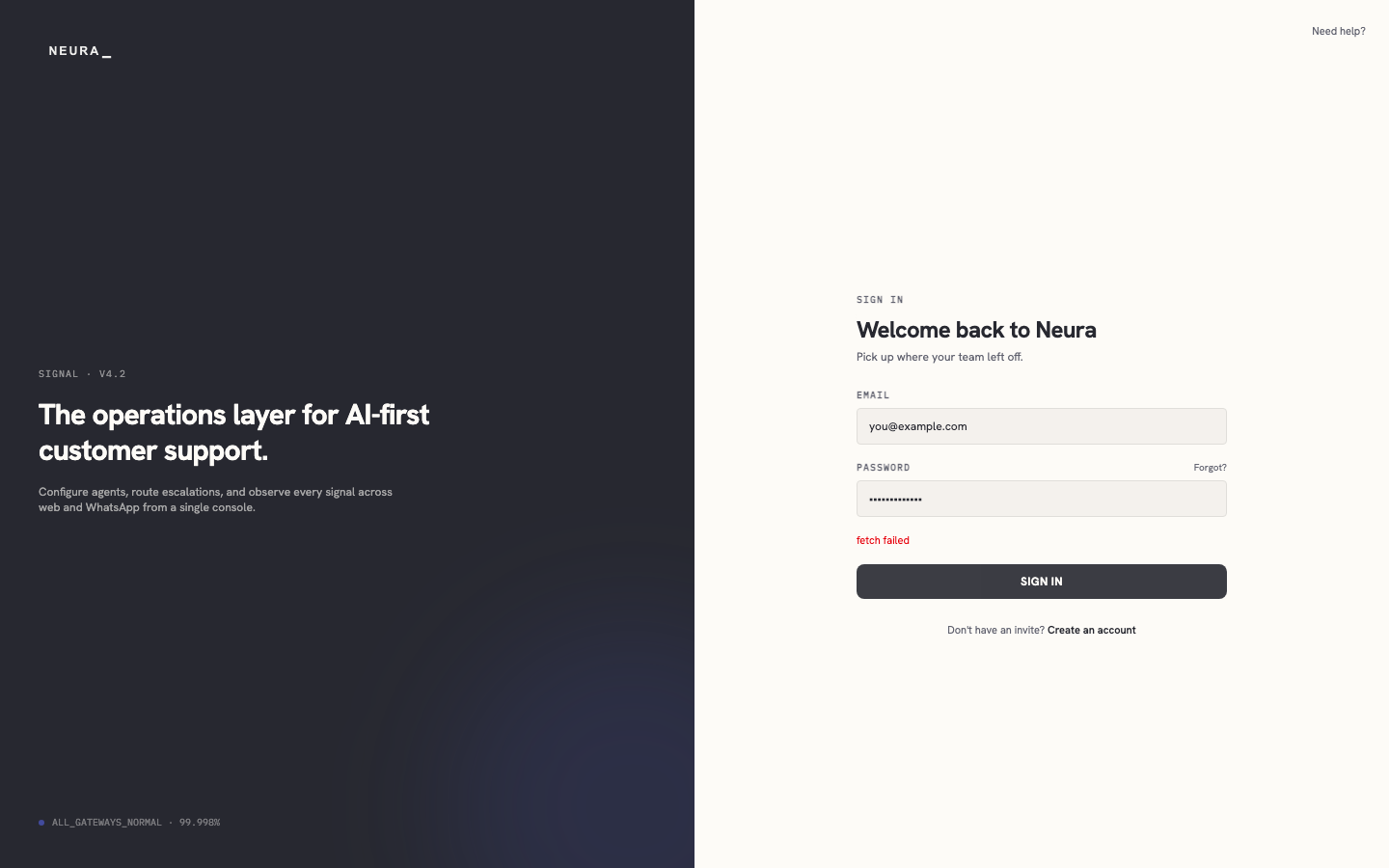
Log in to Neura
Use the Neura sign-in page to access your workspace with your email address and password.
Before you begin
- An active Neura account (received an invite or completed signup).
Steps
-
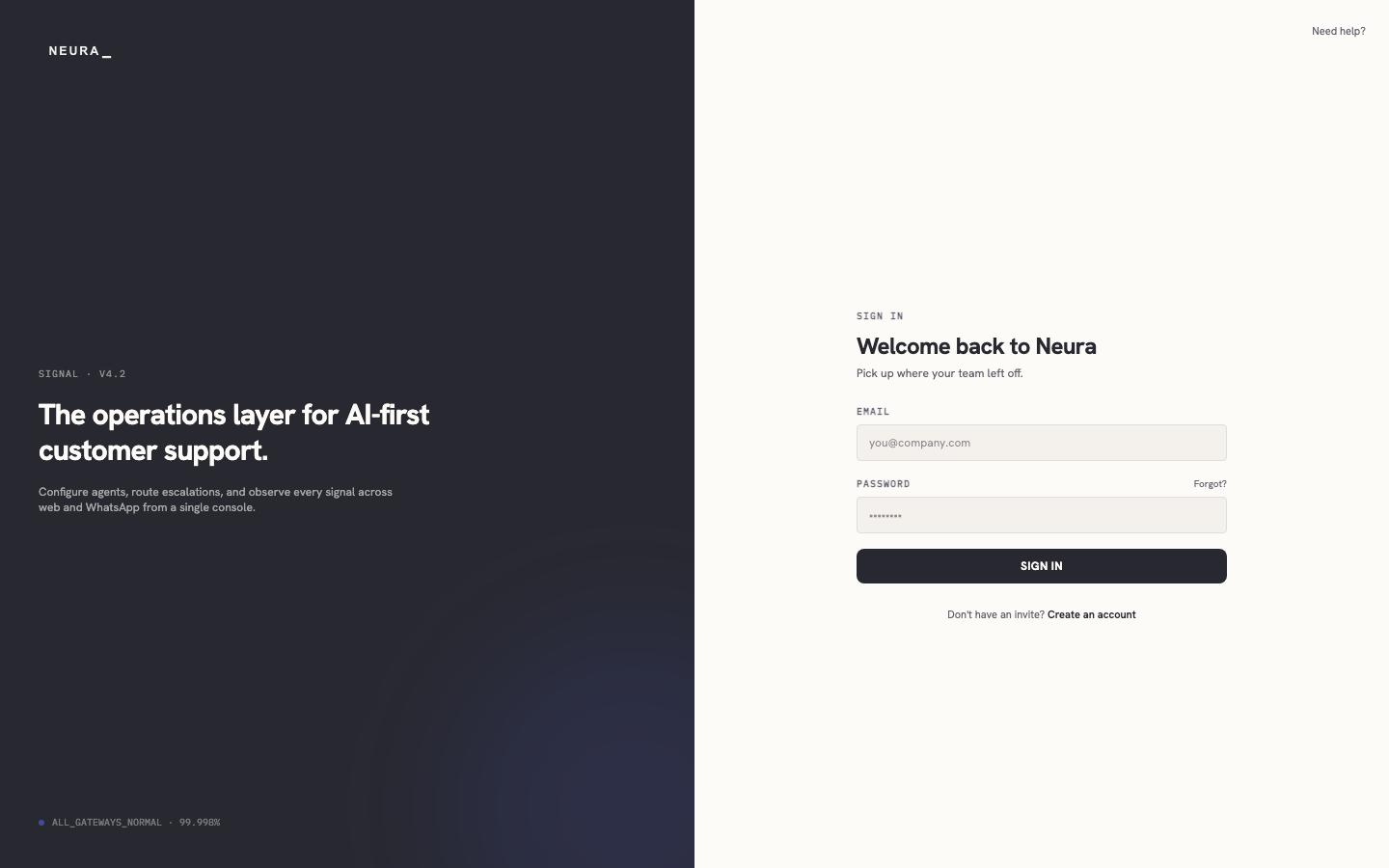
Open the Neura sign-in page.
-
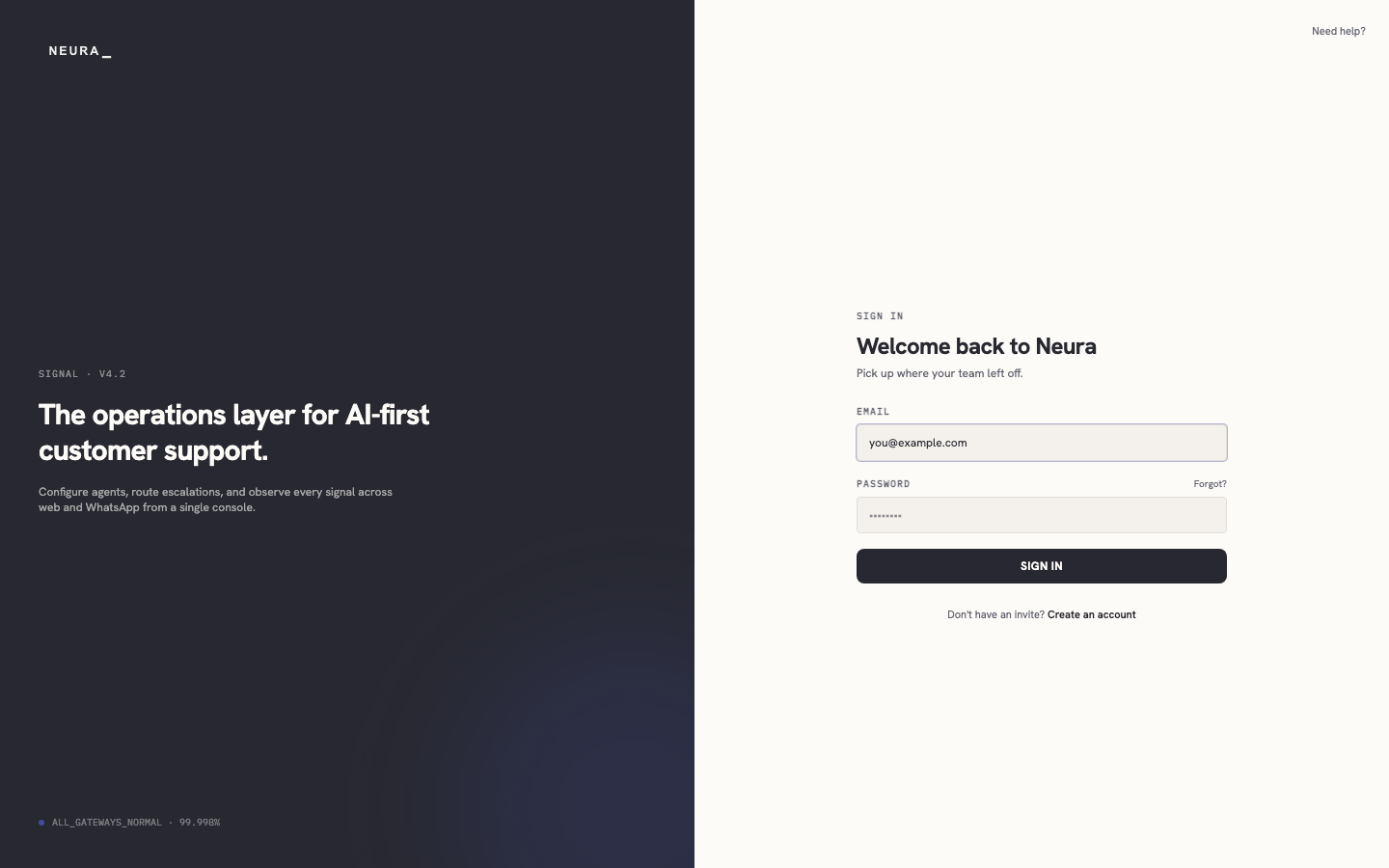
Enter your email address in EMAIL.
-
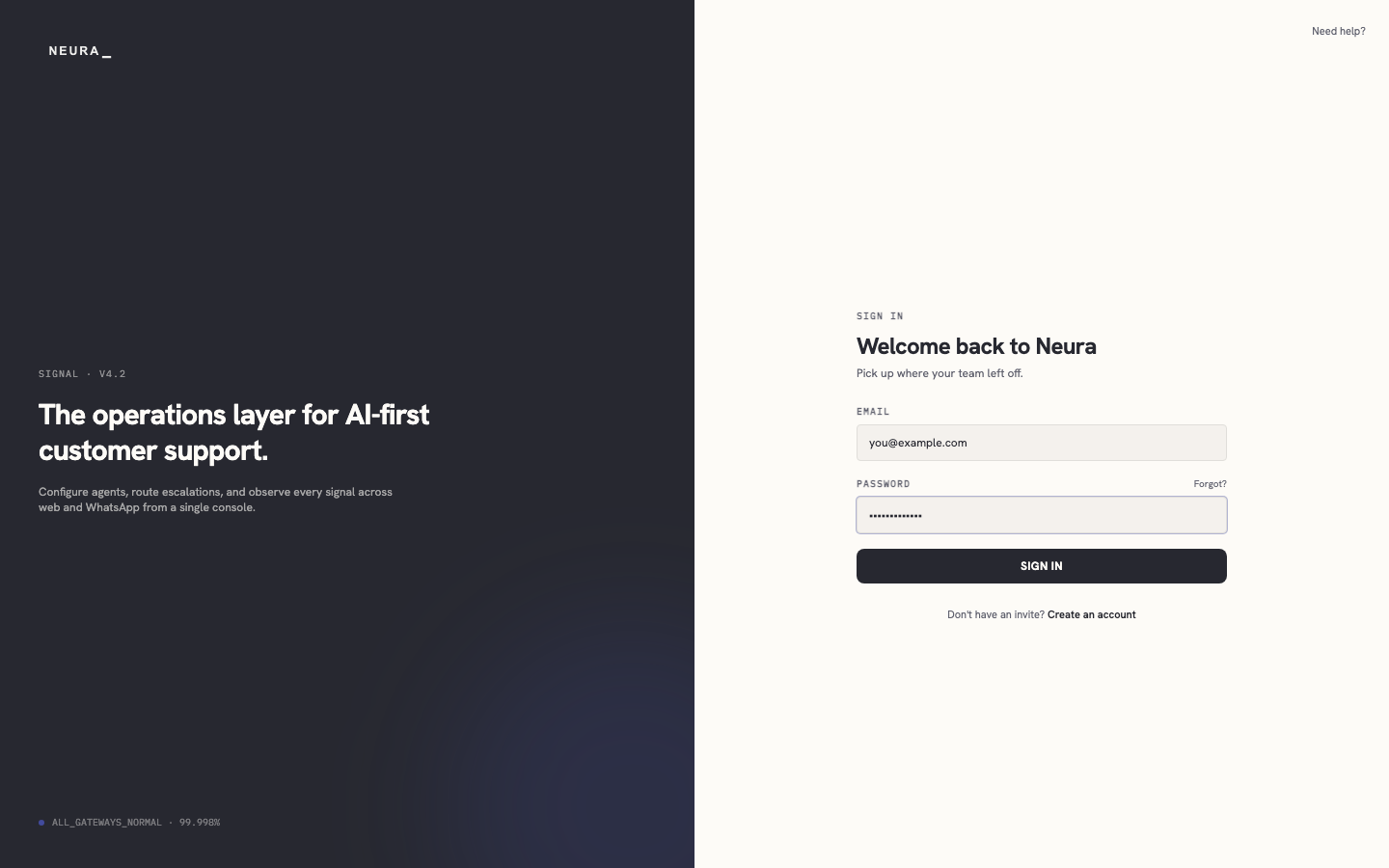
Enter your password in PASSWORD.
-
Click SIGN IN.