See forms your agents can collect
A form lets an agent collect structured details in the middle of a chat, such as a lead’s name and email, a support request, or booking information. Each form belongs to an agent, so this page helps you see what your agents are collecting in one place. You can also check how many times each form has been filled in before opening it to read responses.
Before you begin
- You are signed in to Neura.
- At least one form exists. Forms are attached to agents. If you still need an agent, see Create your first agent.
Steps
-
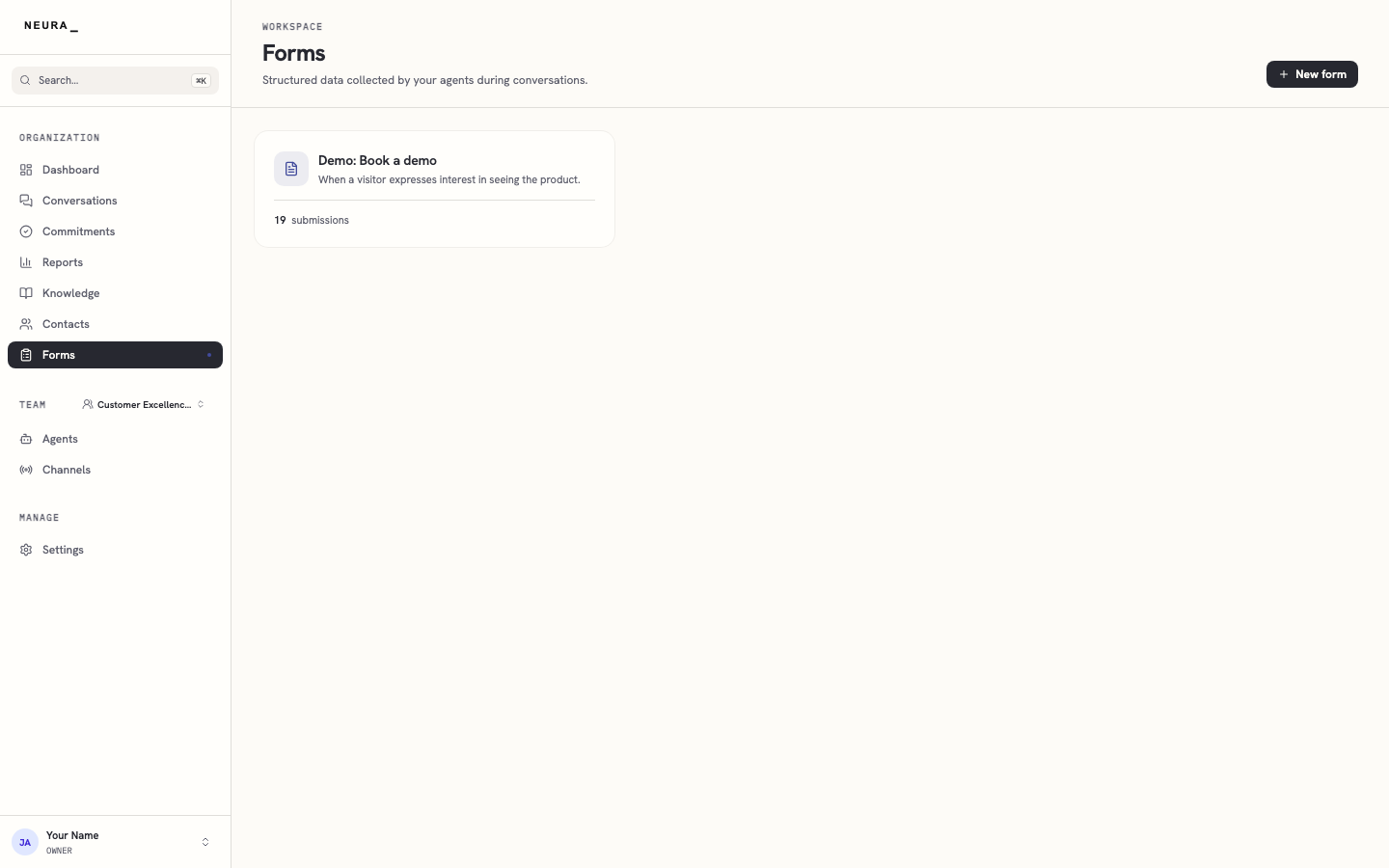
Click Forms in the left sidebar.
-
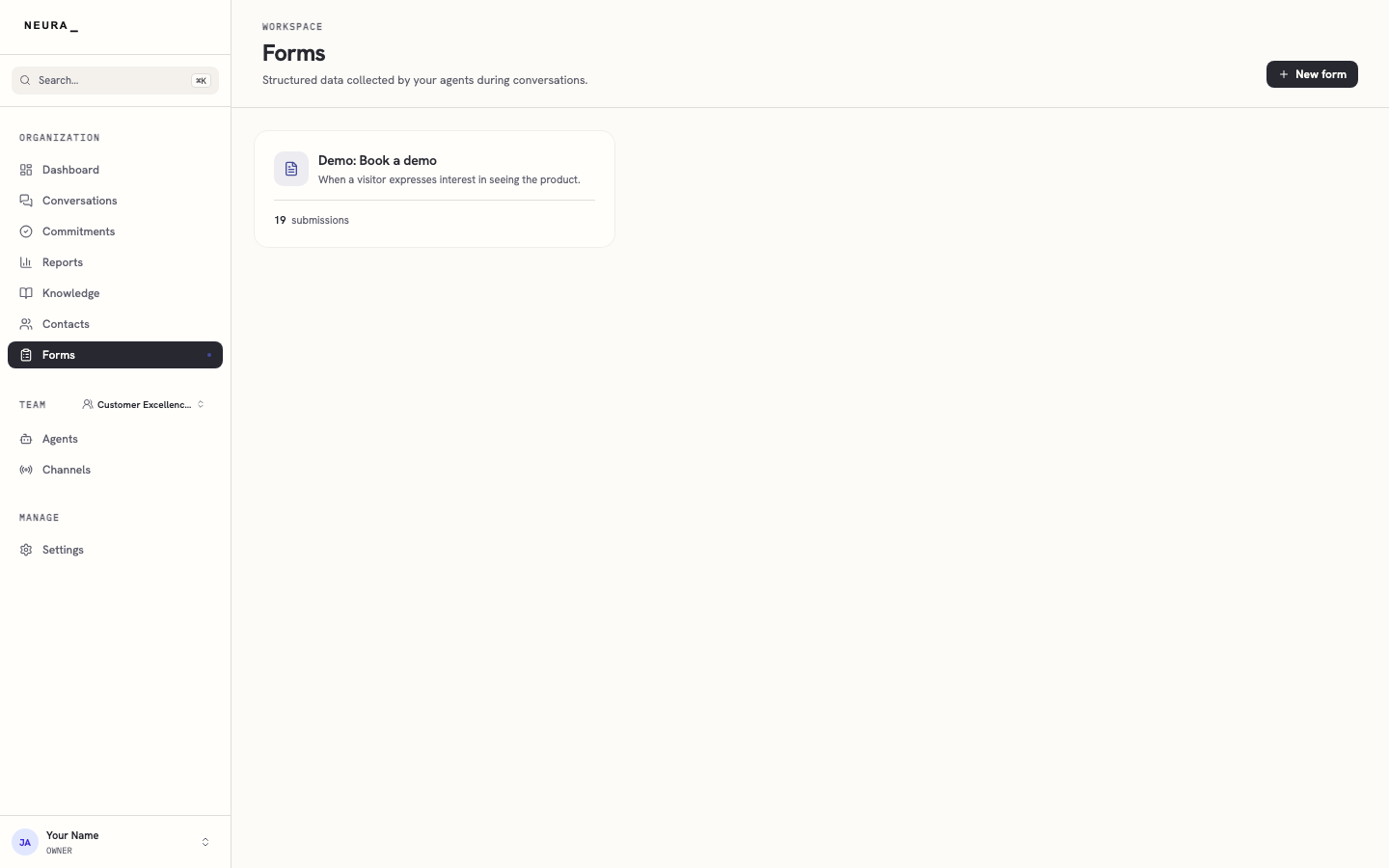
Review the list of forms and the number of submissions shown on each one.
You’ll know it worked when
You can see every form, how many submissions each has, and open one to read what customers entered.